Meowti-lingual
Hands-free
language learning.
Easily turn already-translated, line-by-line text into listening material.
Listen and learn on the go—while driving, cooking, or whenever your hands are busy. Reclaim your time.
Load and play.
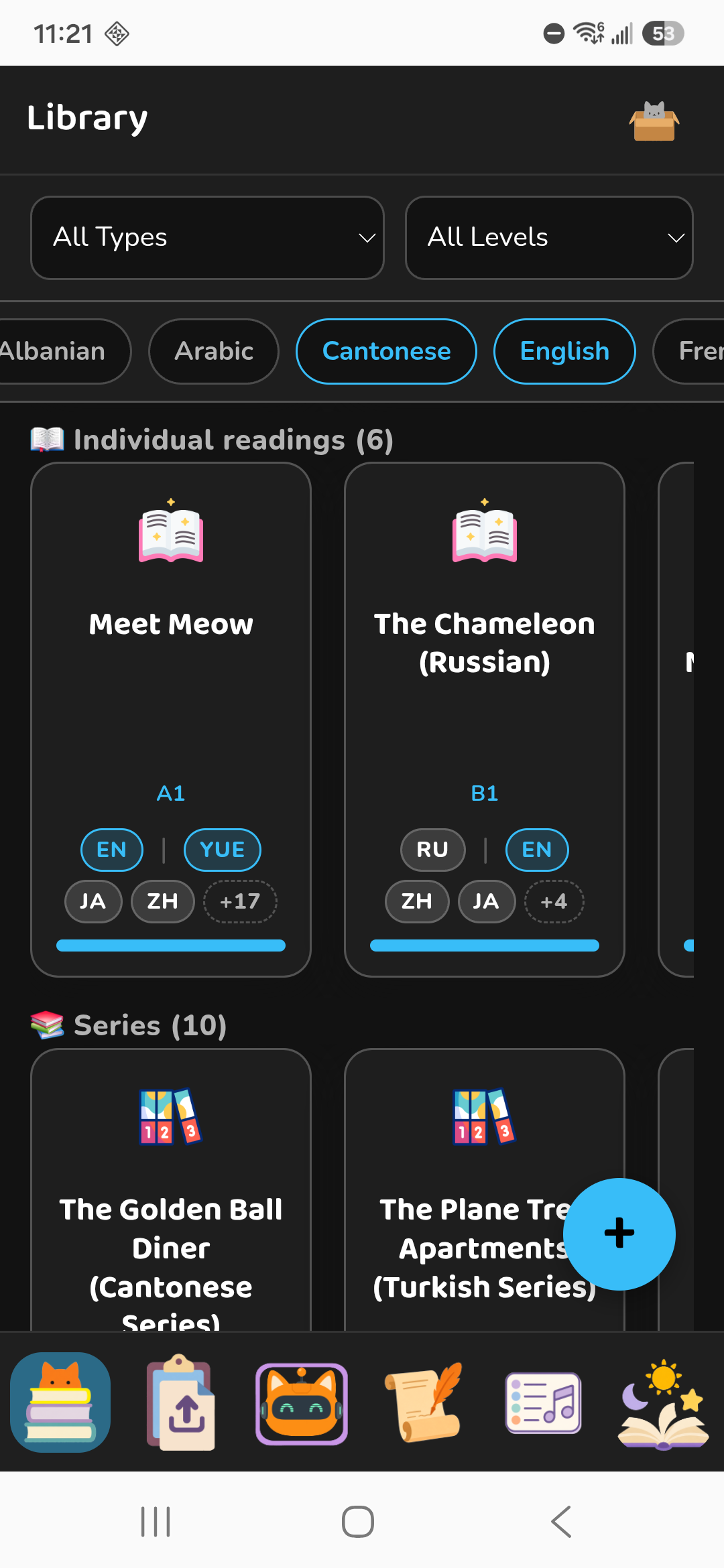
Choose something from our starter materials. Every text is already split into short, easy-to-follow chunks, so there is nothing to prepare and no need to keep looking things up.
We focus on languages often overlooked elsewhere—including Cantonese, Vietnamese, Turkish, Thai, Indonesian, and Greek.
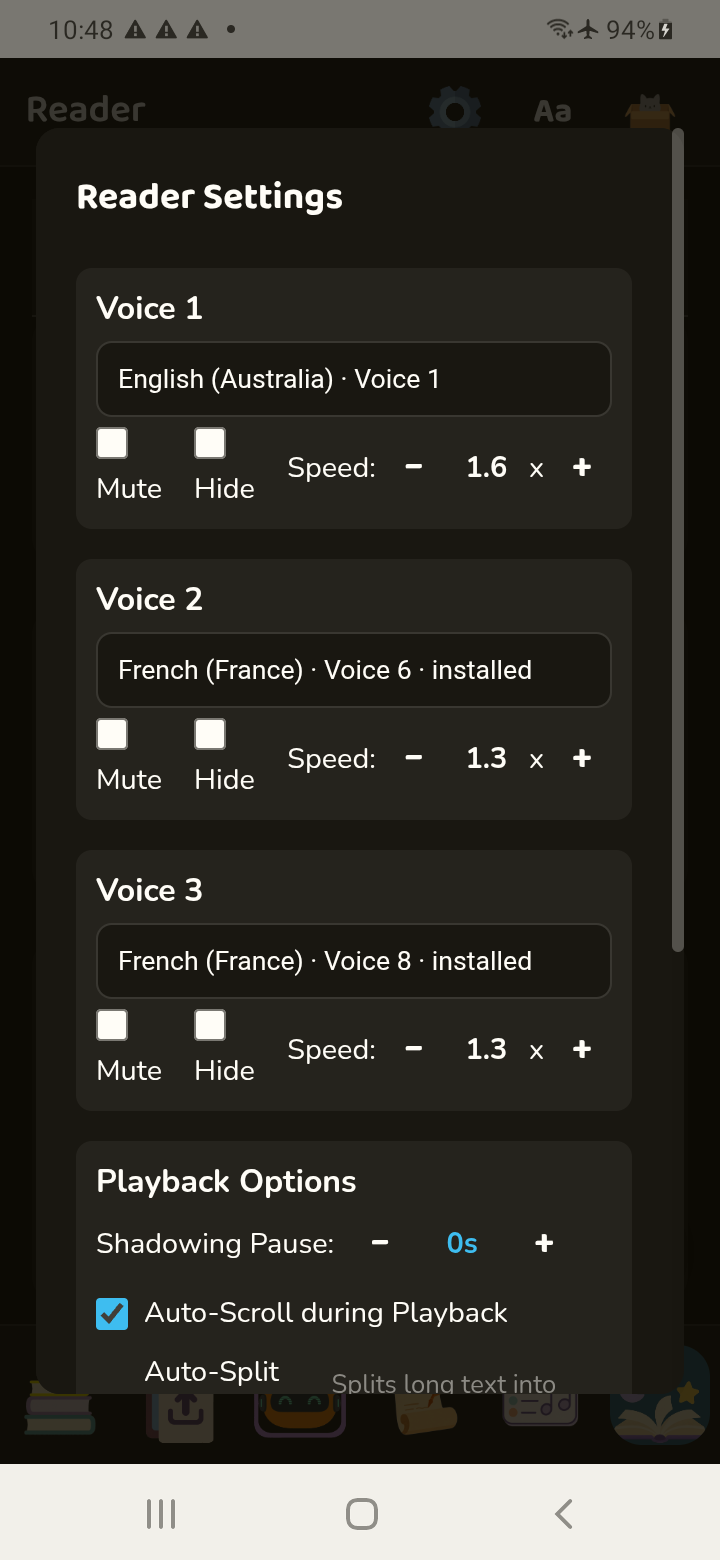
Adjust the speed, mute any track, or play your target language twice at different speeds.
Bring text you already have.
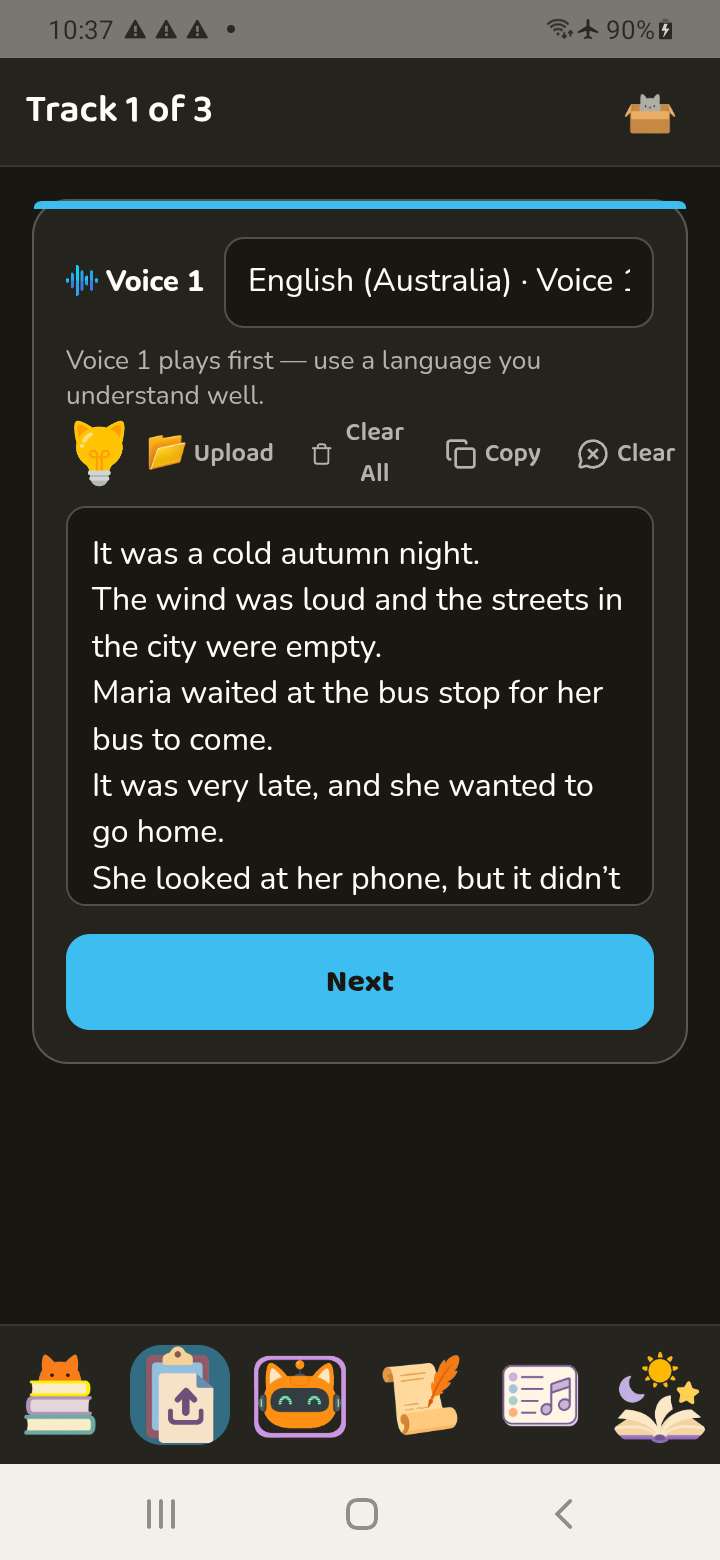
Paste or upload text when you already have the full translation. Meowti-lingual breaks your material into bite-size chunks, aligns the languages, and alternates the lines so you can keep listening instead of looking things up.
Polyglot? Build a language ladder from a language you are already comfortable with.
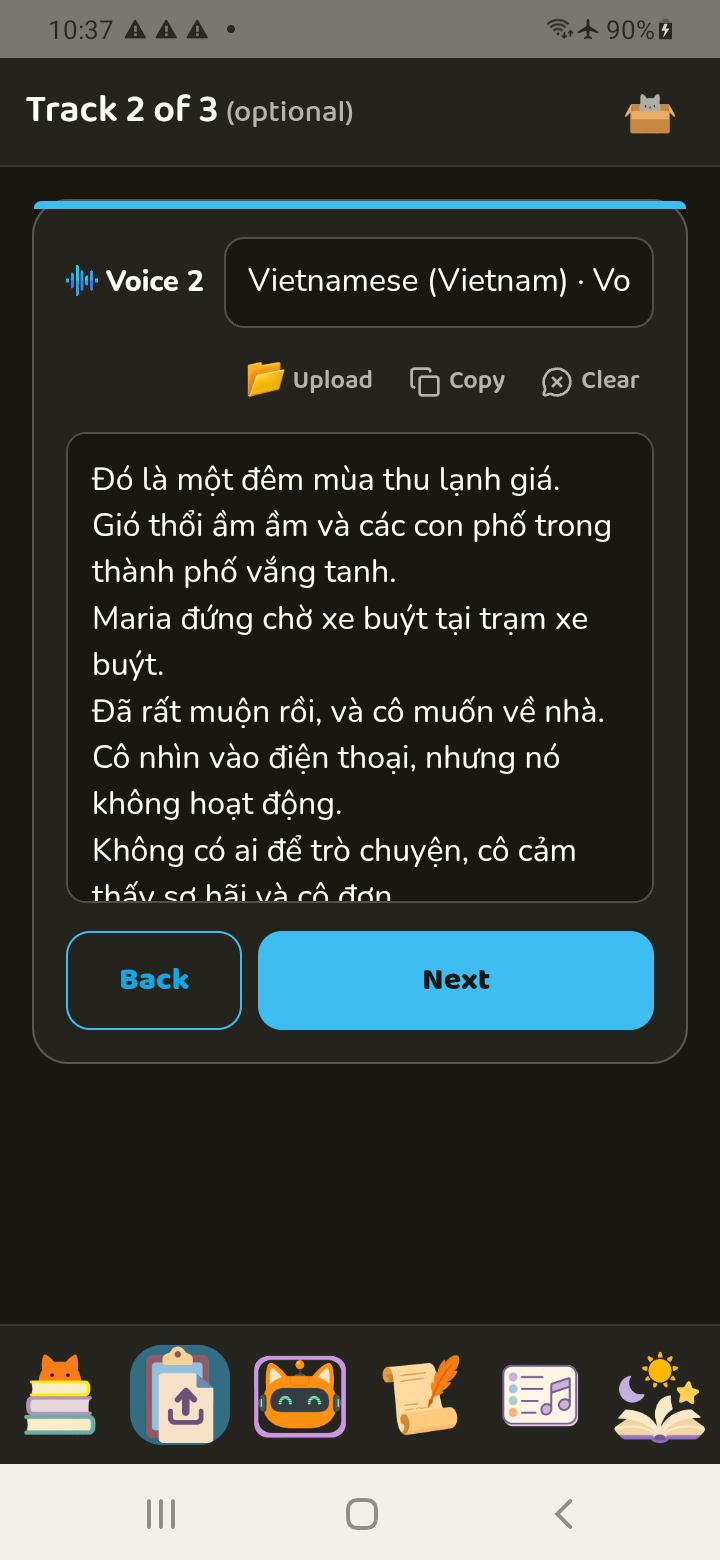
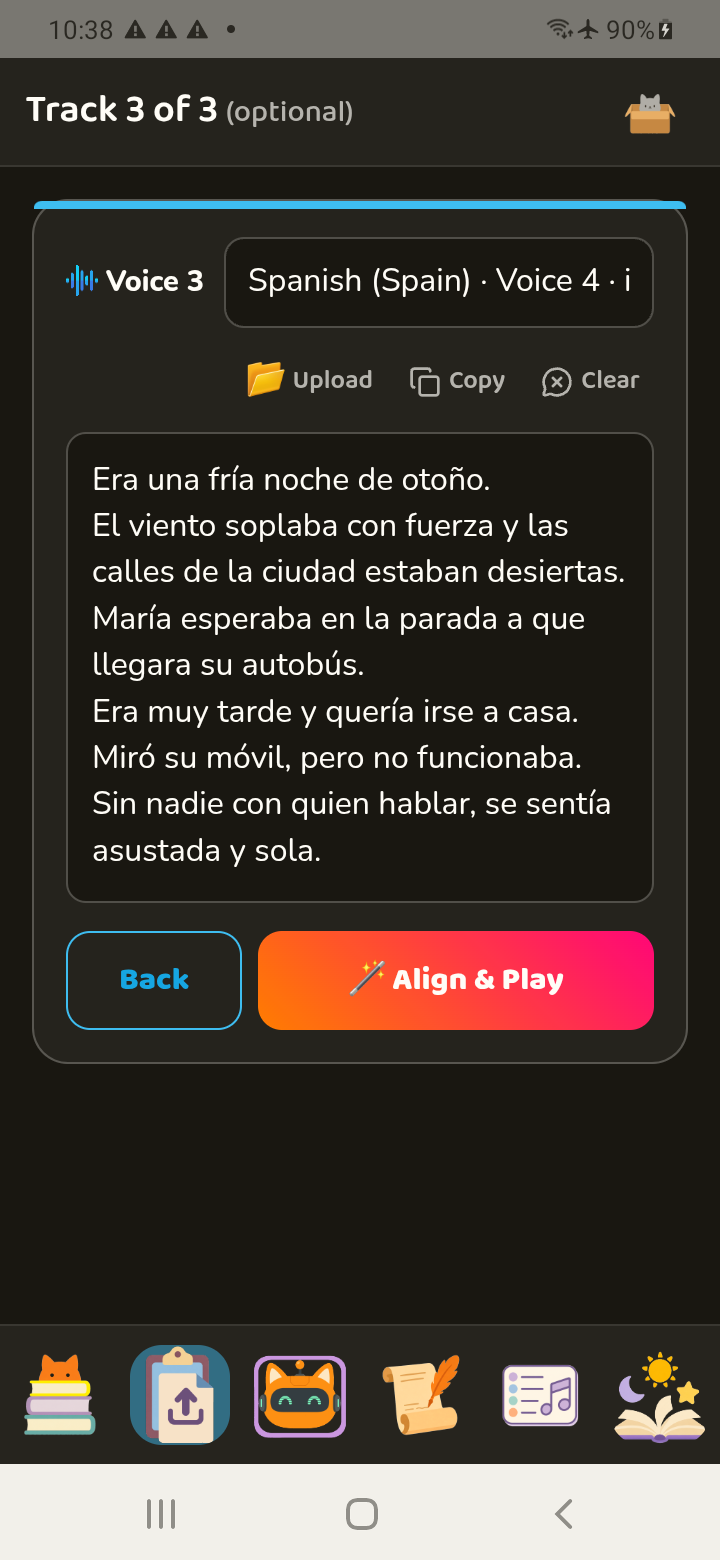
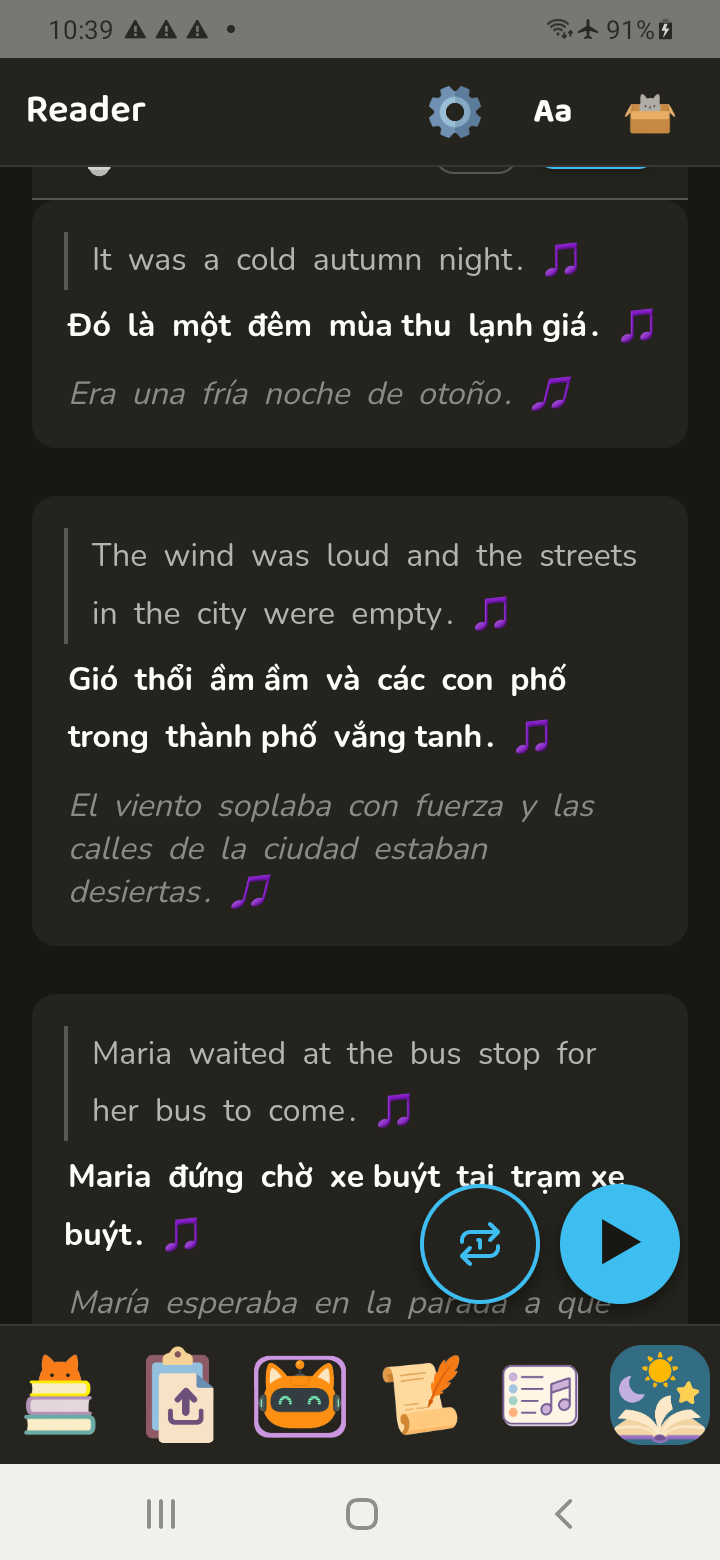
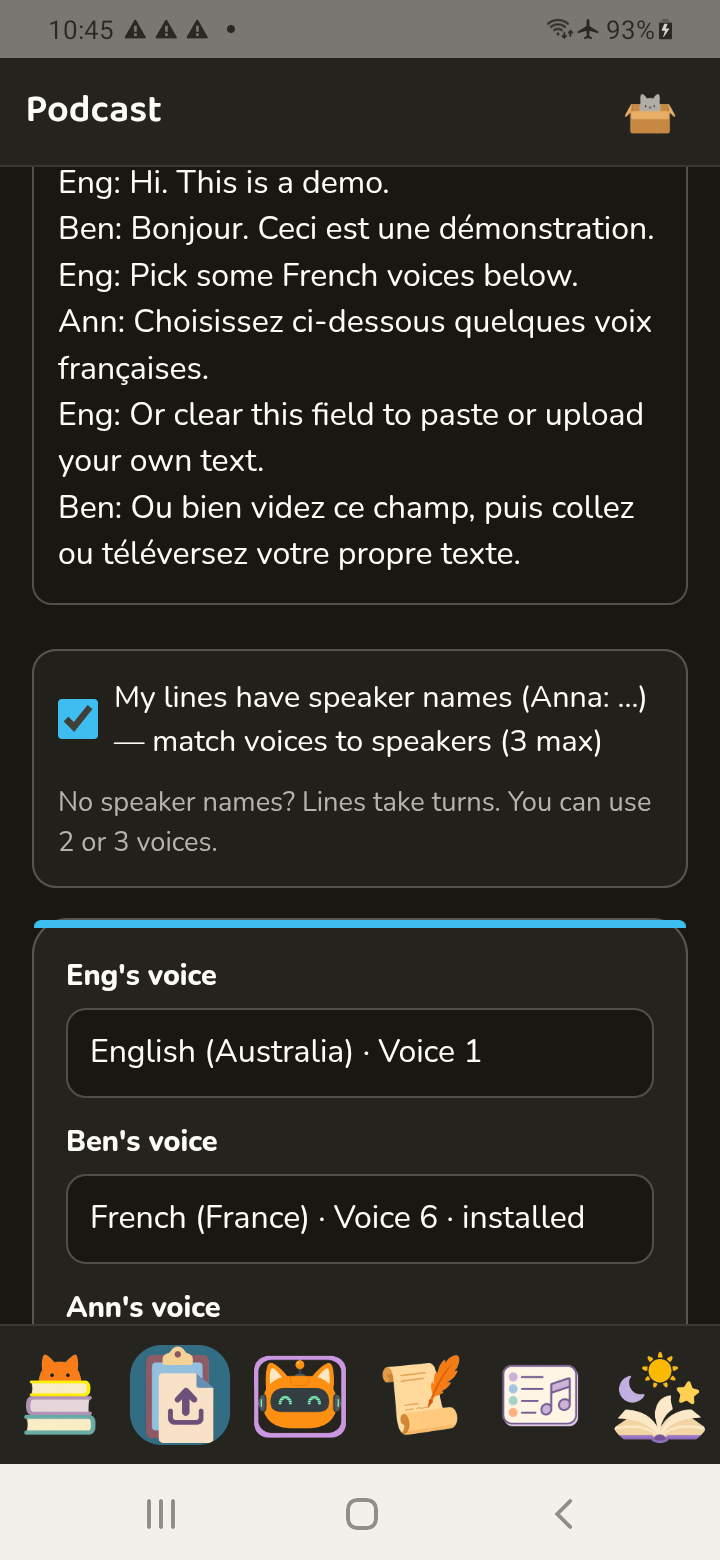
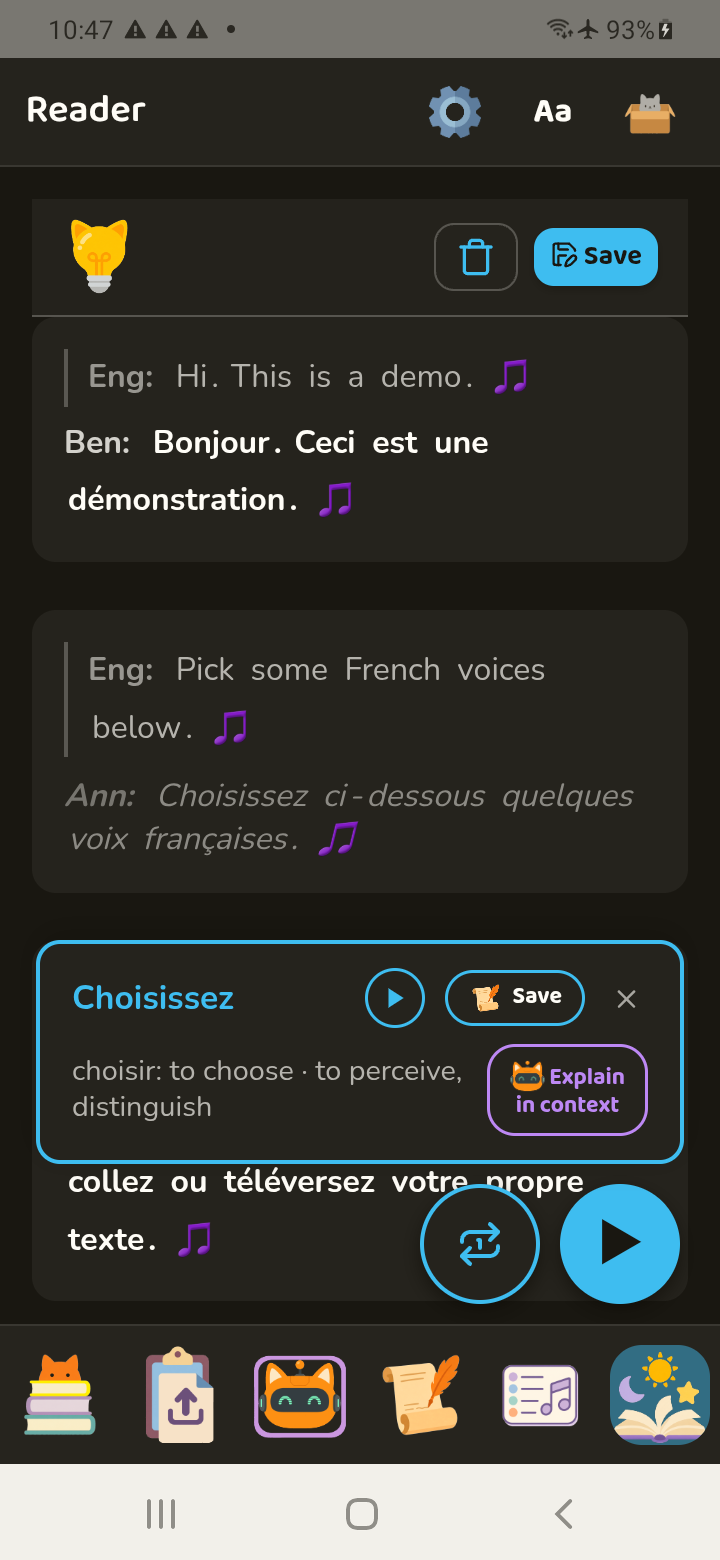
Assign voices to your Dialogue or Alternating text
Easily create listening materials for podcasts, scripts, or bilingual text. Meowti-lingual detects speaker names and separates their lines automatically. Paste or upload the script as-is, then choose a voice for each speaker.
A hands-free feedback loop.
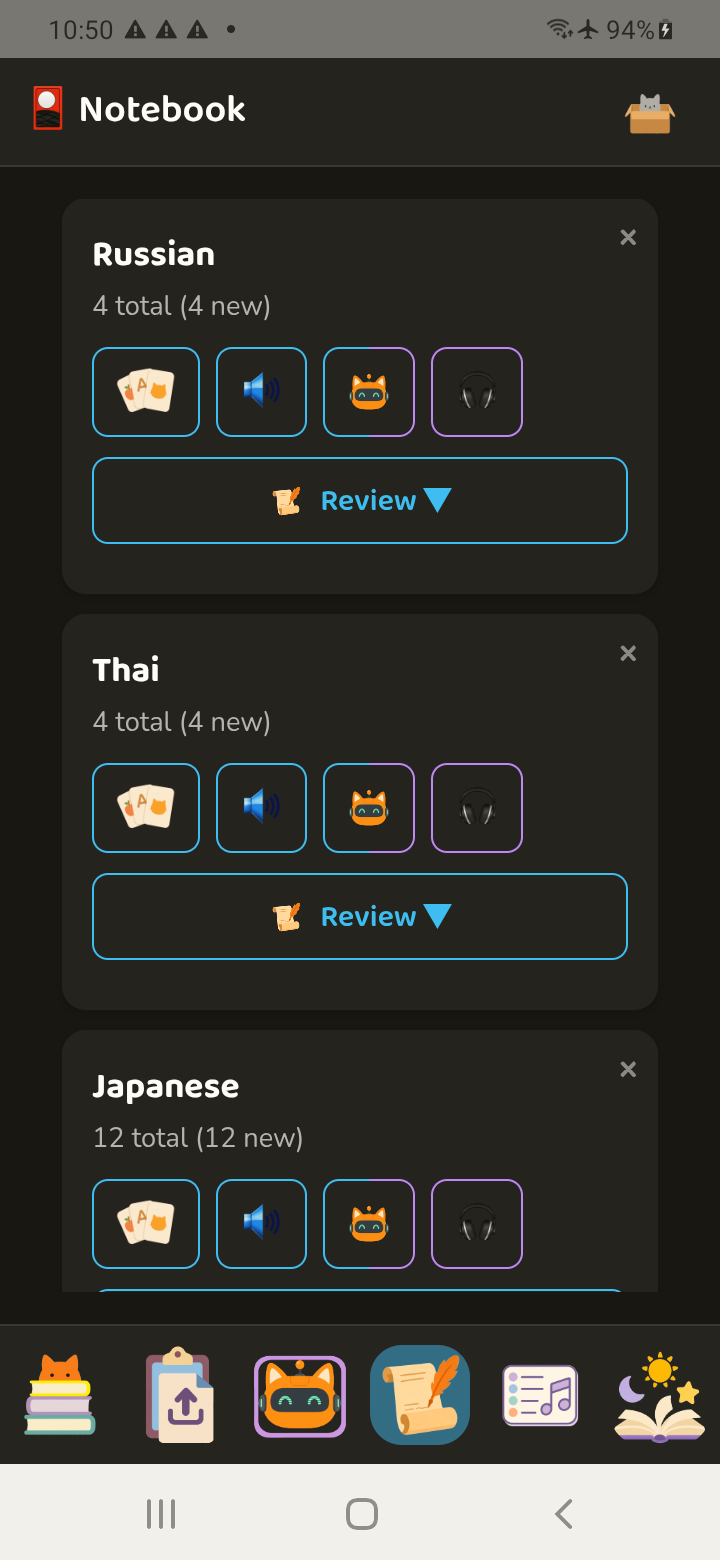
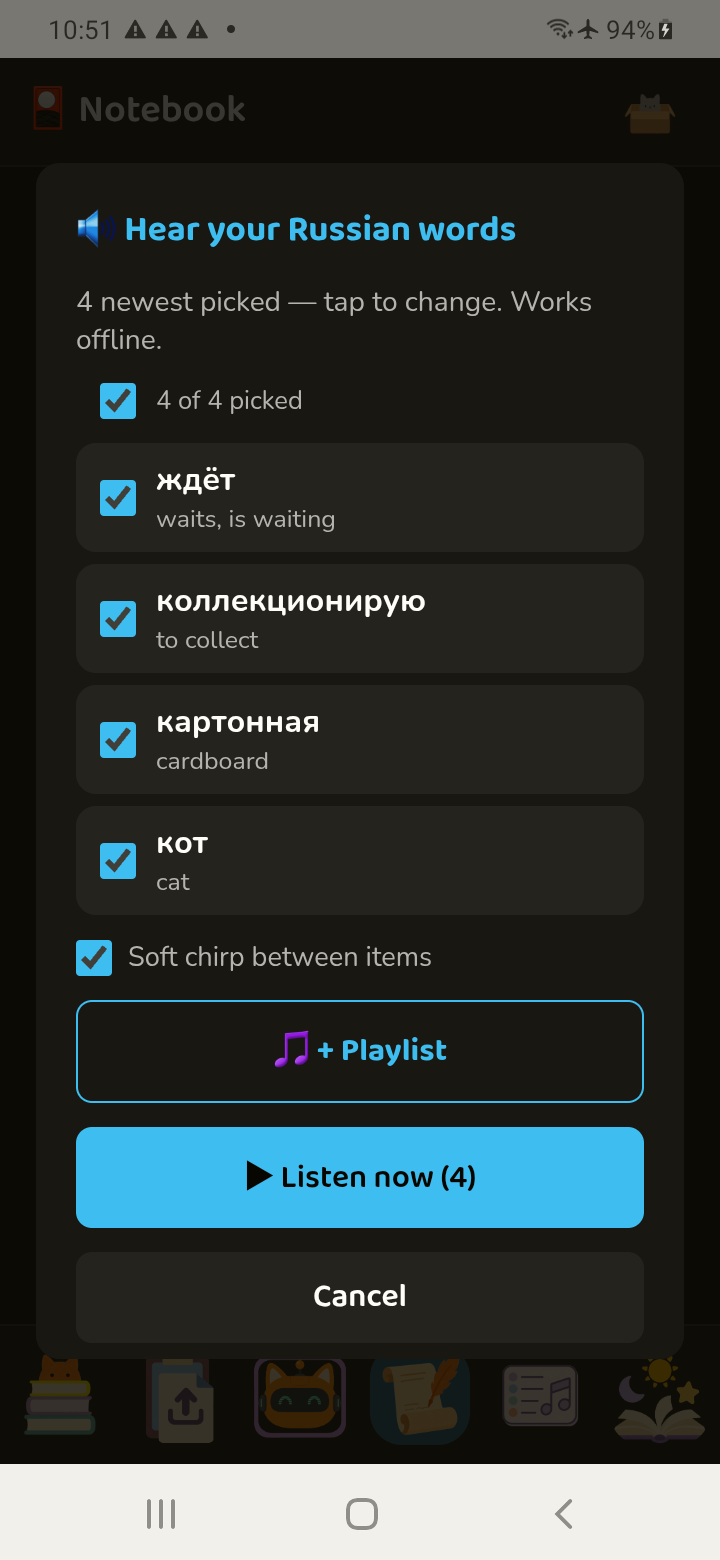
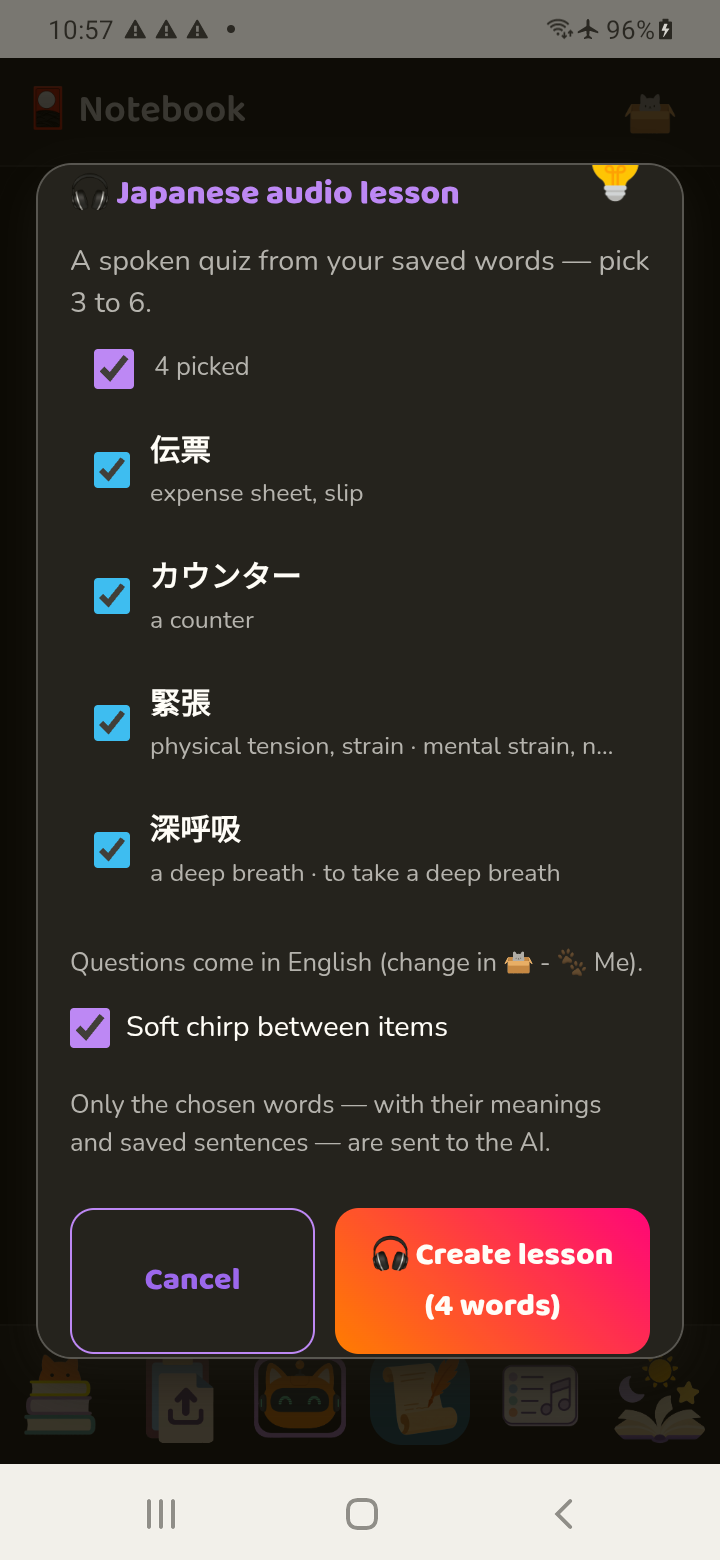
Save unfamiliar words and their translations to create a definition-first audio track.
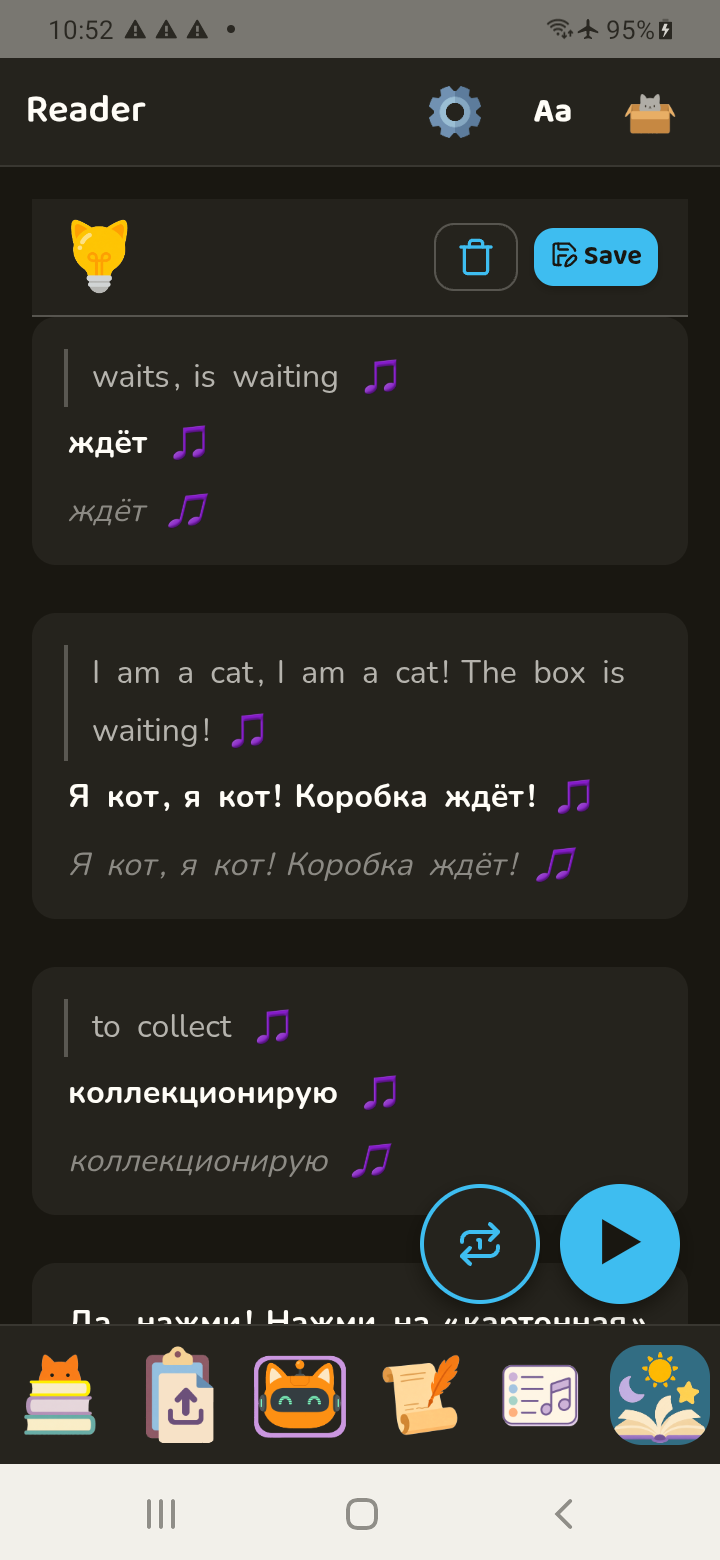
Listen to a story → save new words → create an audio track → add it to a playlist → listen on a loop
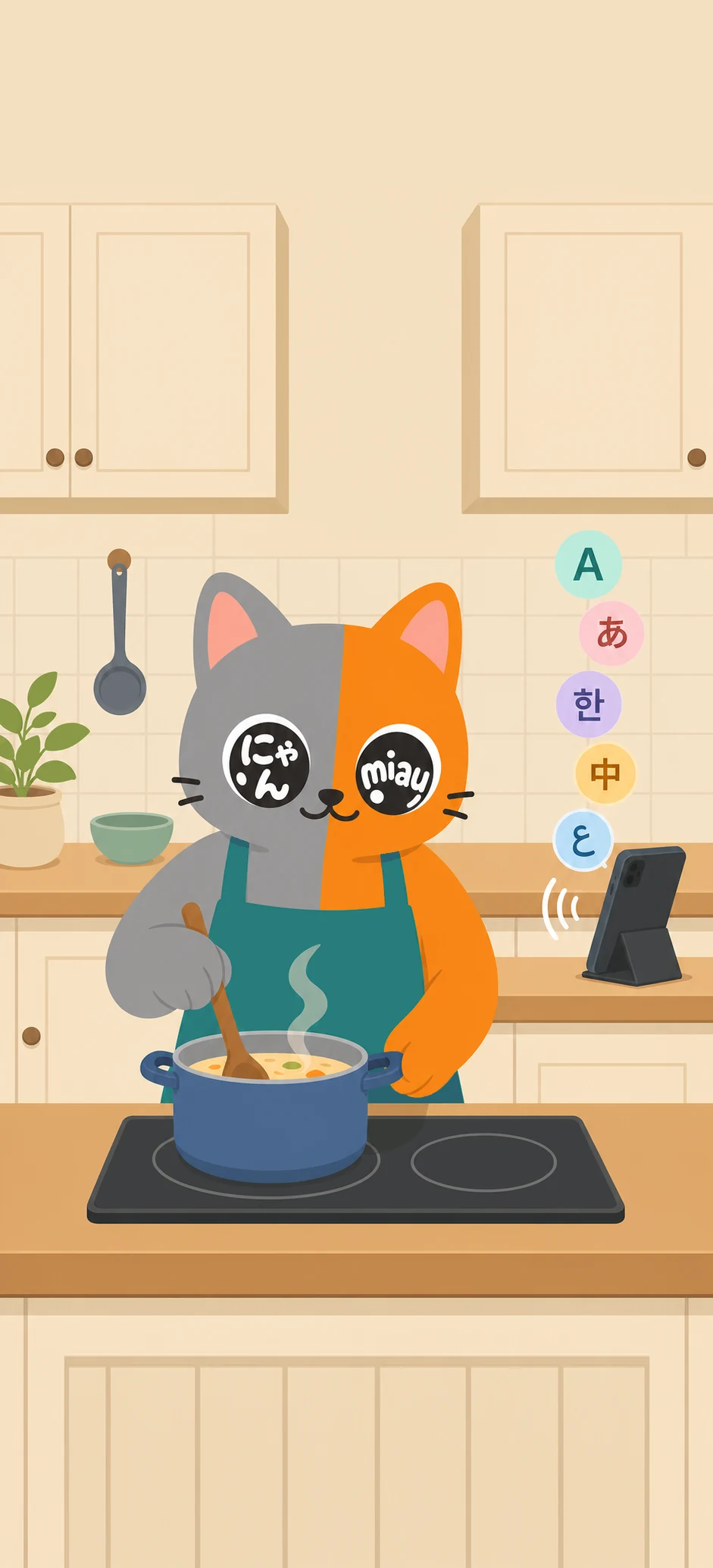
Put the screen away.
Listen while you drive, cook, commute, walk, draw—or do nothing in particular.


Keep the loop going.
Use our AI to generate new stories, podcasts, mini lessons, and songs with the vocabulary you save.
The reader, starter materials, imports, playlists, and offline dictionaries remain free.
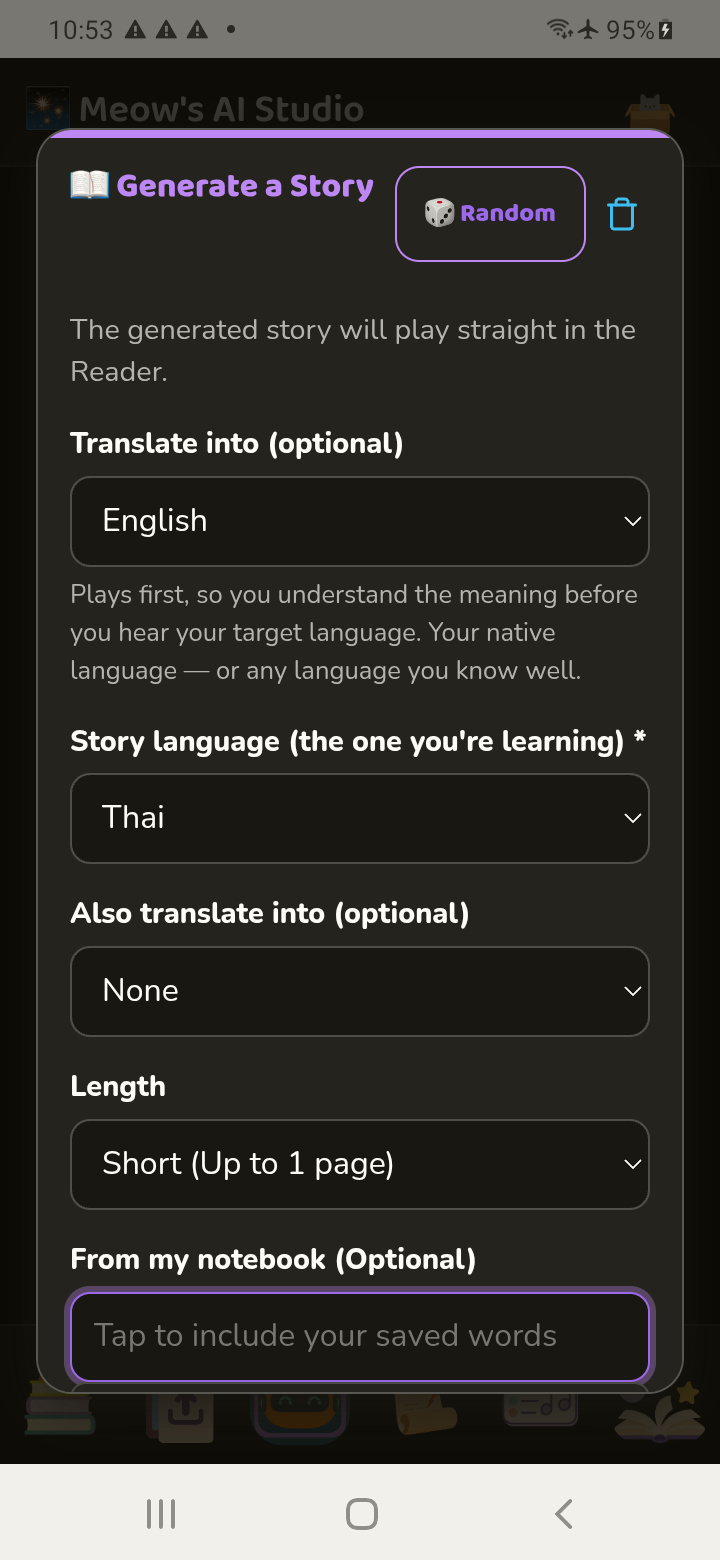
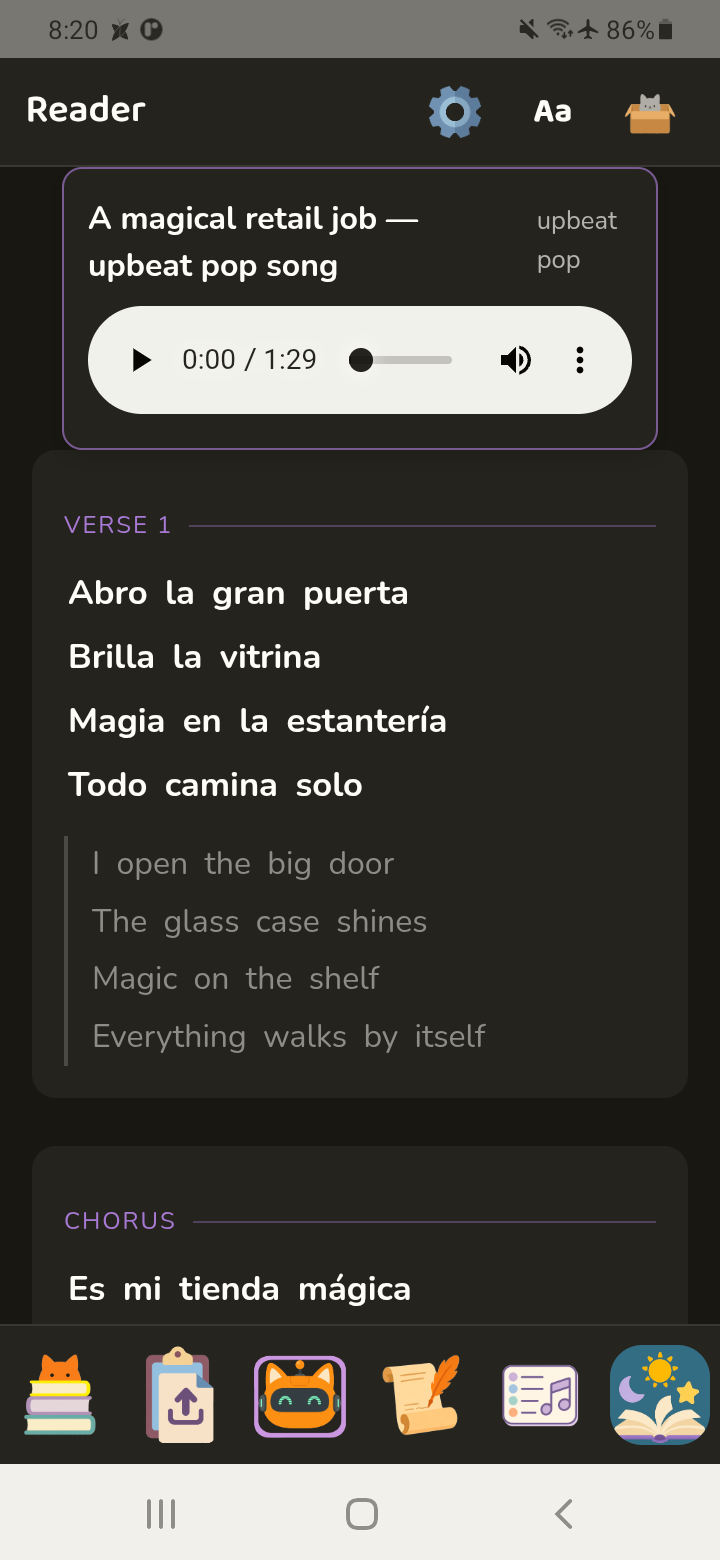
Song generation is currently available in 24 languages. See the list.
Frequently asked questions
The short version of what Meowti-lingual does—and what it does not try to be.
How is Meowti-lingual different from Glossika, LingQ or Beelinguapp?
Meowti-lingual lets you easily create and listen to in-context bilingual sentence pairs (or trilingual trios), hands-free, without stopping to look up words. Save a definition with its example sentences, then turn them into a re-listenable audio track for easy sentence mining and listening repetition. Content created in the app can become an endless listening loop.
It is akin to a highly customizable, never-ending Pimsleur or Glossika.
They are all excellent apps that fill a different gap. If you prefer human voices, progress tracking, a beginner course, or scheduled reminders, Meowti-lingual might not be for you. But if you would prefer to close your eyes and just listen—or draw, exercise, or cook while learning a language—give Meowti-lingual a try!
Do I need to keep looking at the screen?
No. Set up your tracks, press play, and listen while you walk, cook, commute, or do something else.
Do I need AI to use Meowti-lingual?
No. You can use starter materials, import your own text, save words, make playlists, and use dictionaries free without AI. AI features are optional.
What languages does it support?
It supports whatever languages your device supports. Starter-material and offline-dictionary coverage varies by language.
Do the translated lines have to match perfectly?
No. Meowti-lingual can also split and arrange text whose translated lines do not match perfectly.
Can I use bilingual books, podcasts, or dialogue?
Yes. You can paste or import bilingual material, including alternating dialogue and podcast-style text.
Can I change the listening order?
Yes. You can reorder tracks, change their speed, mute one, or repeat the material on a loop.
Does it work offline?
Your saved reading material and downloaded dictionaries can work offline. AI features and webpage imports require an internet connection. Your phone also needs the relevant text-to-speech voice installed.
Is my reading data private?
Most learning data stays on your device. Text is sent online only when you choose an online feature, such as AI or importing a webpage. Read the full privacy policy for details.
Is this a language course?
Not exactly. Meowti-lingual is a listening and reading tool. It helps you get more repetition from starter materials or content you choose yourself.
Is there an iPhone version?
Not yet. Meowti-lingual is being prepared for Android first.
Less looking things up. More time with the language.
Meowti-lingual is free to use. AI features are optional.
Coming soon to Google Play